ProfitMaps AI Review 2026: Worth It for Local SEO Clients?

Promising for local-service prospecting, but the limits matter
ProfitMaps AI has a useful core idea: turn an invisible local-search problem into a map a business owner can understand in seconds. The software scans Google Maps rankings across a geographic grid, shows where a business appears or disappears, compares competitors, and helps create an action plan, sample website, content, reports, and lead follow-up.
My verdict is worth considering for marketers who already have a local-client outreach plan. The $37 Basic offer appears capable of running the core workflow, but it is not an unlimited local SEO suite. Basic supports 10 businesses, two keywords per business, 10 generated websites, and a 5×5 grid. Scans consume credits, while prospecting, white-labeling, higher capacity, client portals, and other agency functions sit in optional upgrades.
I have not claimed hands-on use. The available evidence includes a 4-minute 37-second recorded walkthrough of the real app, but the product has not yet completed a public launch cycle. That makes its workflow easier to assess than its long-term reliability, support quality, or real customer outcomes.
ProfitMaps AI Review at a Glance
| What it is | Cloud software for Google Maps geo-grid scans, competitor analysis, local SEO planning, site/content generation, reporting, and client acquisition workflows |
| Creators | Karthik Ramani and Chad Nicely |
| Launch | October 21, 2026, at 11:00 AM EDT on JVZoo |
| Advertised Basic price | $37; verify the live checkout |
| Basic limits | 10 businesses, 2 keywords per business, 10 generated websites, and a 5×5 scan grid |
| Best for | Freelancers, local marketers, and small agencies that already prospect or serve local businesses |
| Refund policy | Not published on the official JV page at the time of review |
| Verdict | Worth considering, provided the Basic limits and scan-credit economics fit your workflow |
Visit the Official ProfitMaps AI Offer
What Is ProfitMaps AI?
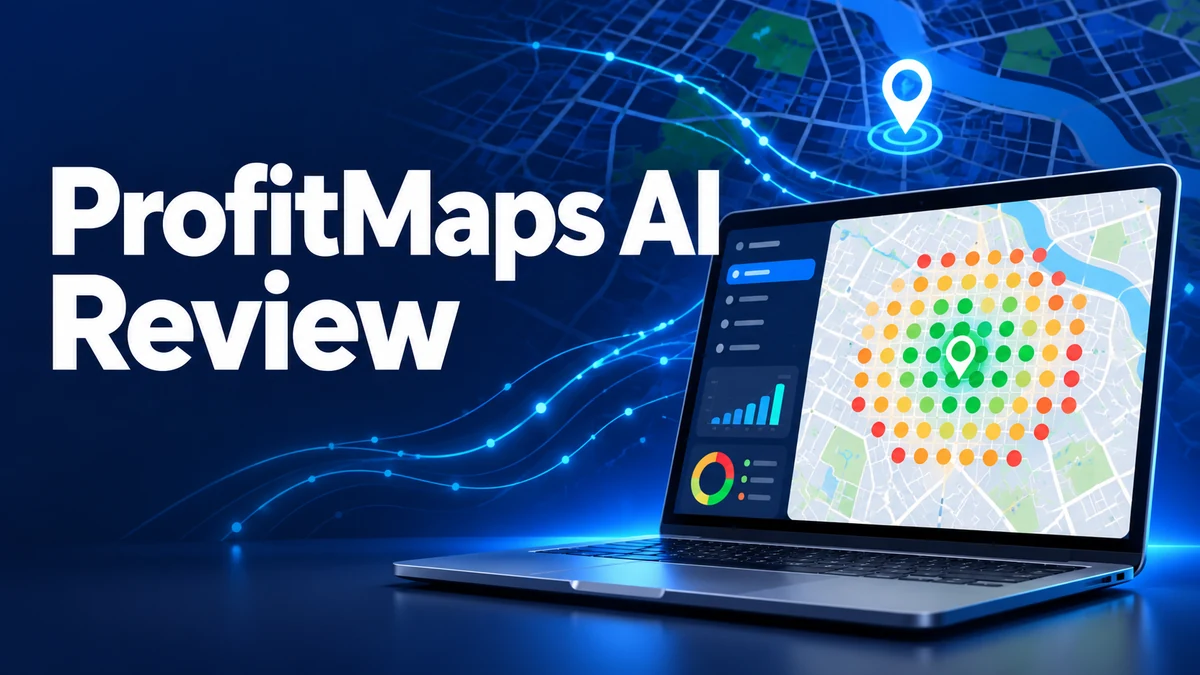
ProfitMaps AI is a local-marketing platform built around geographic Google Maps rank scans. Instead of checking one ranking from one device in one spot, it checks multiple points around a business and plots the results on a color-coded grid. Green points represent stronger visibility; warmer colors reveal weaker positions or places where the business is not found.
The platform then extends beyond measurement. Its documented tools cover competitor views, an AI-generated action plan, Google Business Profile post and article drafts, sample websites, lead capture, reports, and client workspaces. The optional Business Finder searches for prospects by niche and area, while Pro and agency-level offers add capacity, branding, automation, and collaboration features.
How ProfitMaps AI Works
- Add a local business. Create a workspace and choose the keywords that matter to that business.
- Run a geographic scan. Select the grid and radius. The interface shows the credit cost before the scan runs.
- Read the visibility map. Each point displays the business’s local position, while competitor data shows who appears instead.
- Generate a plan. The AI planner turns scan findings into suggested next steps that still require human review.
- Create client-facing assets. Draft posts, articles, a sample website, and a report that explains the opportunity.
- Follow up. Use lead capture and, on qualifying plans, automated email follow-up and branded client access.
The sales logic is sensible: a visual map is easier to discuss than an abstract promise to “do SEO.” The catch is that a compelling report only opens the conversation. It does not prove that your service will produce a specific ranking, call volume, or revenue result.
Key Features and Their Practical Value
Google Maps geo-grid scans
This is the product’s strongest feature. A grid reveals how rankings change across a service area instead of pretending one search position represents an entire city. The official demonstration shows the grid, radius, and credit cost before a scan begins. Because every scan uses credits, recurring monitoring has an operating cost even when the software license itself is sold for a one-time price.
Competitor analysis
You can inspect a map point to see which businesses rank there instead. That context is useful for diagnosing whether the target business is broadly weak or losing in a particular pocket. It can also make a proposal more concrete, though competitor visibility alone does not explain every ranking factor.
AI action plans and content
The platform can generate numbered recommendations, articles, and Google Business Profile post drafts from the project data. This may save preparation time, but AI output should be treated as a draft. Local facts, claims, service areas, keyword choices, and business details all need verification before publication.
Website builder and lead capture
ProfitMaps AI can build sample local-business sites and connect forms to a lead dashboard. A “claim” workflow can give a prospect something tangible to review. Basic includes 10 generated websites. Before selling client work, confirm hosting, domain connection, export, ownership, maintenance, privacy, payment-gateway, and licensing terms for the exact plan you buy.
Reports, branding, and client access
The recorded app shows report sharing and workspace features. Pro adds branding controls and automatic follow-up emails; agency offers add client portals and collaboration. These are useful service-delivery features, but they are not all included in the $37 entry offer.
Business Finder
This separate $97 upgrade searches a niche and area, assigns visibility scores, and filters for businesses with weak rankings or no website. It may speed up prospect research. It does not contact those businesses for you, validate that they want help, or guarantee that outreach will convert.
Who Is ProfitMaps AI For?
- Local SEO freelancers who want a visual audit to support outreach and proposals.
- Small agencies that combine rank tracking, content, websites, reporting, and lead follow-up.
- Website designers who need a stronger diagnostic reason to approach local businesses.
- Marketers testing a local-service offer who can start within 10 businesses and two keywords each.
Who Should Avoid It?
- You want passive income or expect software to supply clients without outreach.
- You need broad keyword coverage on the entry plan; two keywords per business may be restrictive.
- You expect “unlimited” to mean unlimited free scans. The official materials state that scans use credits.
- You only need mature geo-grid rank tracking and already use a specialist platform.
- You need a fully documented refund policy before purchase; the JV page says those details are still coming.
- You plan to publish AI-generated local content without checking accuracy, originality, or business compliance.
ProfitMaps AI Pros and Cons
- Turns local visibility into a visual, client-friendly map
- Connects scanning with plans, content, websites, leads, and reports
- The official page includes a recorded walkthrough of the real app
- Basic covers a small but usable test across 10 businesses
- Credit cost is displayed before running a scan
- Basic is capped at two keywords per business
- Scans consume credits, so the license price is not the full usage story
- Prospecting, white-labeling, portals, and higher capacity require upgrades
- Several OTO prices were still drafts at the time of review
- No published refund terms or long-term customer evidence yet
ProfitMaps AI Pricing and OTOs
The official JV page lists the following launch funnel. A tilde means the vendor marked the price as a draft. Gold and Platinum are alternative bundle paths, not additional purchases stacked on top of every individual upgrade.
| Offer | Advertised price | What it changes |
|---|---|---|
| ProfitMaps AI Basic | $37 | Core scanning, competitor analysis, 10 customers, 2 keywords each, 10 websites, leads, content tools, AI planner, and 5×5 grid |
| Pitch Pack order bump | ~$17 | Optional pitch materials; draft price |
| Pro | $67 | Higher limits, larger grids, branding, and follow-up features |
| Pro Starter downsell | ~$47 | Lighter Pro option shown after declining Pro; draft price |
| Business Finder | $97 | Bulk prospect discovery and filtering |
| Finder Lite downsell | ~$47 | Lighter finder option; draft price |
| Agency / Agency Plus | ~$147 / ~$297 | Client access and agency-management capacity; draft prices |
| 3-Day Live Workshop | $197 | Optional live training scheduled for November 2–4 |
| White Label | ~$297 / ~$497 | White-label client-account options; draft prices |
| Gold Bundle | $297 | Alternative bundle path combining multiple tools and training |
| Platinum Bundle | $697 | Highest-capacity bundle; scans still use credits |
The official JV page had not published refund details as of October 18, 2026. Check and save the live checkout and refund terms before purchasing. Do not assume a standard JVZoo window applies to this specific offer.
Check Current ProfitMaps AI Pricing
Is ProfitMaps AI Legit or a Scam?
ProfitMaps AI appears to be a real software product rather than an empty concept. The public JV page names Karthik Ramani and Chad Nicely, shows a recorded October 2026 app walkthrough, documents the Basic limits, displays scan-cost information in the interface, and explains the upgrade funnel. That is meaningful evidence of a functioning product.
However, “legit” does not mean “proven to make money.” The product is new, several prices remain drafts, refund details are pending, and there is not yet a long public record of customer outcomes or platform reliability. The official disclaimer also says there is no guarantee of income or success. Judge it as a workflow tool—not as evidence that local businesses will hire you.
ProfitMaps AI Alternatives
- BrightLocal Local Search Grid: a more established local SEO platform with geo-grid tracking, competitor data, historical comparison, and related reputation and citation tools. Compare it if measurement depth matters more than AI websites and lead workflows.
- Local Falcon: a specialist geo-grid tracker used by businesses, agencies, and enterprise brands. It is a relevant comparison if your priority is rank tracking across local search and AI answer surfaces.
- Your existing website, CRM, and reporting stack: if you already pay for local rank tracking, a page builder, content tools, and client reporting, recreating the workflow may cost less than adding another platform—but it will require more integration work.
ProfitMaps AI’s differentiator is breadth: it connects the map scan to a plan, sample site, content, lead capture, and a client-sales workflow. A specialist tool may offer deeper tracking, while ProfitMaps AI may reduce the number of separate steps for a beginner or small agency.
Final Verdict: Is ProfitMaps AI Worth It?
The strongest part of ProfitMaps AI is not the phrase “AI.” It is the visual bridge between a business’s local-search problem and a service proposal. The scan, competitor view, plan, website, and report form a coherent workflow.
The largest weakness is the gap between the inexpensive entry price and the full operating picture. Basic limits keywords, businesses, sites, and grid size; scans use credits; and several prospecting and agency functions require upgrades. Long-term reliability and support are also unproven before launch.
If two keywords per business and 10 prospects are enough for a controlled test, Basic is the sensible starting point. If you need deep tracking or a large client operation immediately, compare established alternatives and calculate the real scan and upgrade costs first.
See the Latest ProfitMaps AI Offer
Frequently Asked Questions
What does ProfitMaps AI do?
It scans a local business’s Google Maps visibility across multiple points, shows the results on a color-coded grid, analyzes competitors, and helps create action plans, content, websites, reports, and lead workflows.
How much does ProfitMaps AI cost?
The official pre-launch material lists Basic at $37, Pro at $67, Business Finder at $97, Gold at $297, and Platinum at $697. Several other upgrade prices are marked as drafts. Verify the live checkout after the October 21 launch.
Is ProfitMaps AI beginner-friendly?
The recorded interface appears approachable, and a 5×5 grid is visually easy to explain. Beginners still need to understand keyword choice, local SEO basics, outreach, accurate content review, and client service delivery.
Does ProfitMaps AI find clients automatically?
No. Business Finder can identify prospects, and the platform can prepare reports, sites, and follow-up assets. You still have to contact businesses, make a credible offer, and deliver results.
Are Google Maps scans unlimited?
No. The official demonstration states that scans use credits and shows the cost before a scan runs. Even high-capacity account bundles should not be read as unlimited free scan usage.
What is the refund policy?
The official JV page listed refund details as “coming soon” when this review was researched. Read the exact checkout and vendor refund terms before buying.
Research note: Product identity, launch timing, features, limits, prices, demonstration details, and the pending refund policy were checked against the official ProfitMaps AI JV page and the MunchEye launch listing on October 18, 2026. Alternative descriptions were checked against official BrightLocal and Local Falcon pages. Vendor claims were treated as claims, not guaranteed outcomes.